| name file | size | edit | permission | action |
|---|---|---|---|---|
| .editorconfig | 276 KB | March 05 2024 07:12:34 | 0666 | |
| .env | 1385 KB | May 24 2024 16:43:55 | 0666 | |
| .env.example | 1088 KB | March 05 2024 07:12:34 | 0666 | |
| .gitattributes | 190 KB | March 05 2024 07:12:34 | 0666 | |
| .gitignore | 245 KB | March 05 2024 07:12:34 | 0666 | |
| .htaccess | 947 KB | July 04 2023 21:25:08 | 0664 | |
| .rnd | 1024 KB | March 13 2024 04:51:14 | 0666 | |
| README.md | 472 KB | March 22 2024 10:35:00 | 0666 | |
| app | - | March 05 2024 07:12:34 | 0777 | |
| artisan | 1739 KB | March 05 2024 07:12:34 | 0666 | |
| bootstrap | - | March 05 2024 07:12:34 | 0777 | |
| composer.json | 2829 KB | May 13 2024 12:10:04 | 0666 | |
| composer.lock | 417205 KB | March 19 2024 12:13:14 | 0666 | |
| config | - | July 03 2025 02:53:36 | 0777 | |
| database | - | March 05 2024 07:12:34 | 0777 | |
| index.php | 1816 KB | May 13 2024 10:32:36 | 0666 | |
| lang | - | May 13 2024 14:53:26 | 0777 | |
| manifest.json | 913 KB | May 14 2024 03:57:26 | 0664 | |
| package.json | 398 KB | March 05 2024 07:12:34 | 0666 | |
| phpunit.xml | 1206 KB | March 05 2024 07:12:34 | 0666 | |
| public | - | July 03 2025 02:37:20 | 0777 | |
| resources | - | May 13 2024 12:09:36 | 0777 | |
| routes | - | March 05 2024 07:12:34 | 0777 | |
| service-worker.js | 924 KB | March 05 2024 07:12:34 | 0666 | |
| storage | - | March 05 2024 10:03:52 | 0777 | |
| symlink.php | 218 KB | March 05 2024 07:12:34 | 0666 | |
| tests | - | March 05 2024 07:12:34 | 0777 | |
| vendor | - | March 19 2024 12:13:14 | 0777 | |
| vite.config.js | 326 KB | March 05 2024 07:12:34 | 0666 |
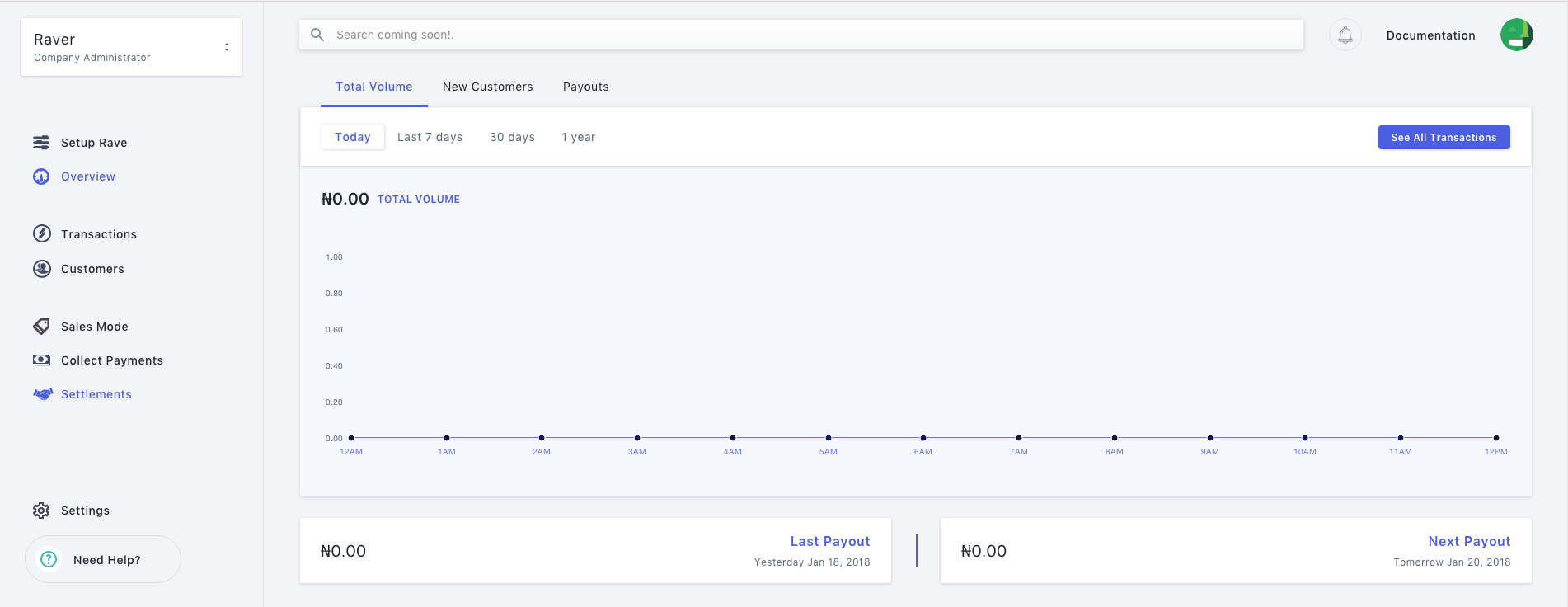
Login to you Flutterwave dashboard then click on settings , on the setting page navigate to webhooks to add a webhook.
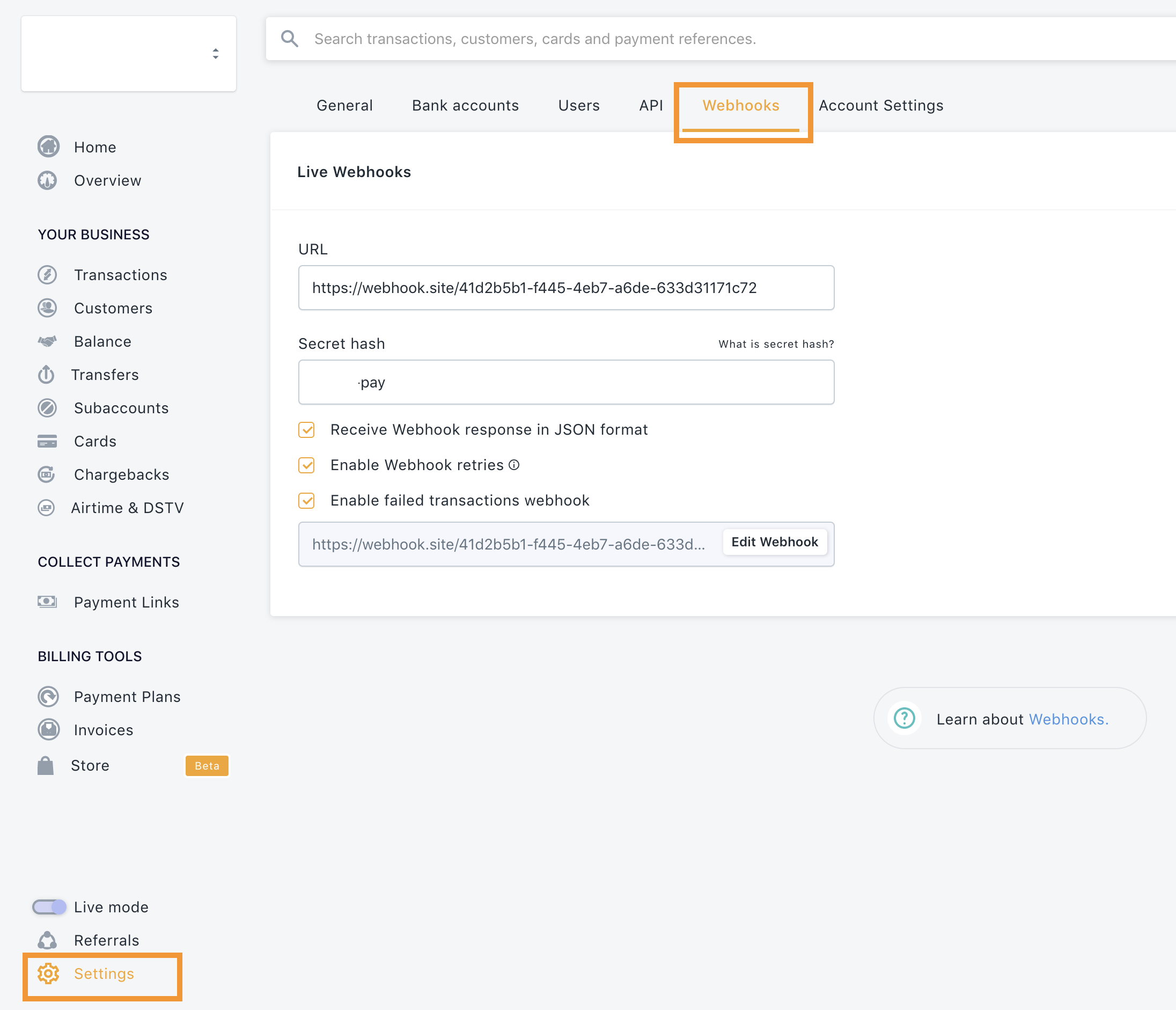
Once on the webhook page, click the input text to add your webhook url and your secret hash and use the save action button to save it.
## 4. Grant CSRF Access to Flutterwave Webhook Go to `app/Http/Middleware/VerifyCsrfToken.php` and add your webhook url to the `$except` array ```php protected $except = [ '/webhook/flutterwave', ]; ``` ### 4. Setup your Controller > Setup your controller to handle the routes. I created the `FlutterwaveController`. Use the `Flutterwave` > facade. ```php event == 'charge.completed' && $request->data->status == 'successful') { $verificationData = Flutterwave::verifyPayment($request->data['id']); if ($verificationData['status'] === 'success') { // process for successful charge } } // if it is a transfer event, verify and confirm it is a successful transfer if ($verified && $request->event == 'transfer.completed') { $transfer = Flutterwave::transfers()->fetch($request->data['id']); if($transfer['data']['status'] === 'SUCCESSFUL') { // update transfer status to successful in your db } else if ($transfer['data']['status'] === 'FAILED') { // update transfer status to failed in your db // revert customer balance back } else if ($transfer['data']['status'] === 'PENDING') { // update transfer status to pending in your db } } } } ``` ## Webhook Samples ### Successful Payment ```json { "event": "charge.completed", "data": { "id": 285959875, "tx_ref": "Links-616626414629", "flw_ref": "PeterEkene/FLW270177170", "device_fingerprint": "a42937f4a73ce8bb8b8df14e63a2df31", "amount": 100, "currency": "NGN", "charged_amount": 100, "app_fee": 1.4, "merchant_fee": 0, "processor_response": "Approved by Financial Institution", "auth_model": "PIN", "ip": "197.210.64.96", "narration": "CARD Transaction ", "status": "successful", "payment_type": "card", "created_at": "2020-07-06T19:17:04.000Z", "account_id": 17321, "customer": { "id": 215604089, "name": "Yemi Desola", "phone_number": null, "email": "user@gmail.com", "created_at": "2020-07-06T19:17:04.000Z" }, "card": { "first_6digits": "123456", "last_4digits": "7889", "issuer": "VERVE FIRST CITY MONUMENT BANK PLC", "country": "NG", "type": "VERVE", "expiry": "02/23" } } } ``` ### Successful Transfers ```json { "event": "transfer.completed", "event.type": "Transfer", "data": { "id": 33286, "account_number": "0690000033", "bank_name": "ACCESS BANK NIGERIA", "bank_code": "044", "fullname": "Bale Gary", "created_at": "2020-04-14T16:39:17.000Z", "currency": "NGN", "debit_currency": "NGN", "amount": 30020, "fee": 26.875, "status": "SUCCESSFUL", "reference": "a0a827b1eca65311_PMCKDU_5", "meta": null, "narration": "lolololo", "approver": null, "complete_message": "Successful", "requires_approval": 0, "is_approved": 1 } } ``` ## Best practices If your webhook script performs complex logic, or makes network calls, it's possible that the script would time out before Flutterwave sees its complete execution. For that reason, you might want to have your webhook endpoint immediately acknowledge receipt by returning a 2xx HTTP status code, and then perform the rest of its duties. Webhook endpoints might occasionally receive the same event more than once. We advise you to guard against duplicated event receipts by making your event processing [idempotent](https://en.wikipedia.org/wiki/Idempotence). One way I do this is making the reference unique, so once it has hit the server more than once, it won't record for subsequent events